Your OMPF, or Official Military Personnel File, is the master record your branch keeps on you: enlistment contract, promotions, awards, training, evaluations, and disciplinary actions. While serving, review it through your branch portal or the DPRIS request system in milConnect. Check every section for missing awards, wrong dates, and gaps, because the file the military keeps is not always complete.
Most service members never look at their OMPF until something forces them to. A promotion board. A VA claim. A job that needs proof of service. By then, any error in the file has had years to sit there quietly.
Here is the problem: the official record has gaps. When my husband retired from the Air Force, the military did not hand him organized records. They handed him a backpack of paper. Filing his VA claim meant night after night at the kitchen table, sorting page by page, only to find an entire deployment’s records missing. Then came the runaround: directed to his last duty station in Hawaii for paper copies, then to the National Archives, while we live in Florida.
Your OMPF is the file boards and benefits decisions are built from. It deserves a review long before you need it.
What is in an OMPF?
Your OMPF is the official collection of documents your branch maintains over your career. It generally includes:
- Enlistment or commissioning documents, including your contract
- Promotion orders and rank history
- Awards and decorations with their citations
- Performance evaluations (NCOERs, EPRs, FITREPs, OERs depending on branch)
- Training records and professional military education
- Assignment history and duty stations
- Disciplinary actions, if any
- Separation or retirement documents
What it usually does not include: your medical records. Those live in a separate system, your service treatment record, which is worth pulling on its own schedule.
The takeaway: Your OMPF is the paper trail of your career. If a document is not in there, for most official purposes it does not exist.
How do I access my OMPF?
While you are serving, go through your branch’s personnel portal: iPERMS for the Army, NSIPS or BUPERS Online for the Navy and Marine Corps, vMPF for the Air Force, Direct Access for the Coast Guard. You will typically need a CAC or DS Logon.
Veterans, retirees, and Guard members without portal access can request scanned copies through DPRIS inside milConnect, or through the National Archives (eVetRecs or Standard Form 180) for older records and family member requests. Portal layouts change often, so I am pointing you to the official pages, linked at the bottom of this article, instead of writing click-by-click directions that go stale.
The takeaway: While serving, your branch portal. After service, DPRIS first, then the National Archives.
What errors should I look for?
When you get eyes on your file, check for these common problems:
Missing awards. Decorations that were approved but never entered are one of the most common gaps. Compare your file against your own records of what you received.
Wrong dates. Promotion dates, service dates, and award dates with typos can cause problems at boards and in benefit calculations.
Missing documents. Entire evaluations, training certificates, or assignment orders sometimes never make it into the file. This is the gap that cost our family: a whole deployment’s records, simply not there.
Duplicate or misfiled pages. Less harmful, but worth flagging so the file stays clean.
Personal data errors. Wrong name spelling, wrong Social Security number digits, outdated contact info. Small errors now become big delays later.
The takeaway: Read your OMPF the way a promotion board would read it, because that is exactly what happens next.
How do I get something corrected?
Corrections go through your chain, not around it:
- Gather your proof. The orders, citation, certificate, or other document that shows what the file should say.
- Take it to your personnel office (S1, admin, or personnel flight depending on branch). They own corrections to the official record.
- Follow up in writing. Ask for confirmation that the correction was submitted and check back until it appears in the file.
- For veterans, corrections to federal military records go through your branch’s Board for Correction of Military Records.
Start early. Corrections can take weeks or months to process, which is why reviewing your file well before a board or separation date matters.
The takeaway: Bring proof, go through your personnel office, and follow up until the fix shows in the file.
What is an “I love me” file, and do I need one?
Every branch has a name for it: the “I love me” file. Your personal stash of career documents, kept separately from the official record. Orders, evaluations, award citations, training certificates, medical visit summaries. The joke in the name hides a serious habit. The people who keep one are the people who never have to reconstruct their career from memory.
Here is what our family’s story taught us: the official file is not the only file that matters. Keep your own copy of everything as you go. Photograph or scan documents the week they happen, not the year you need them.
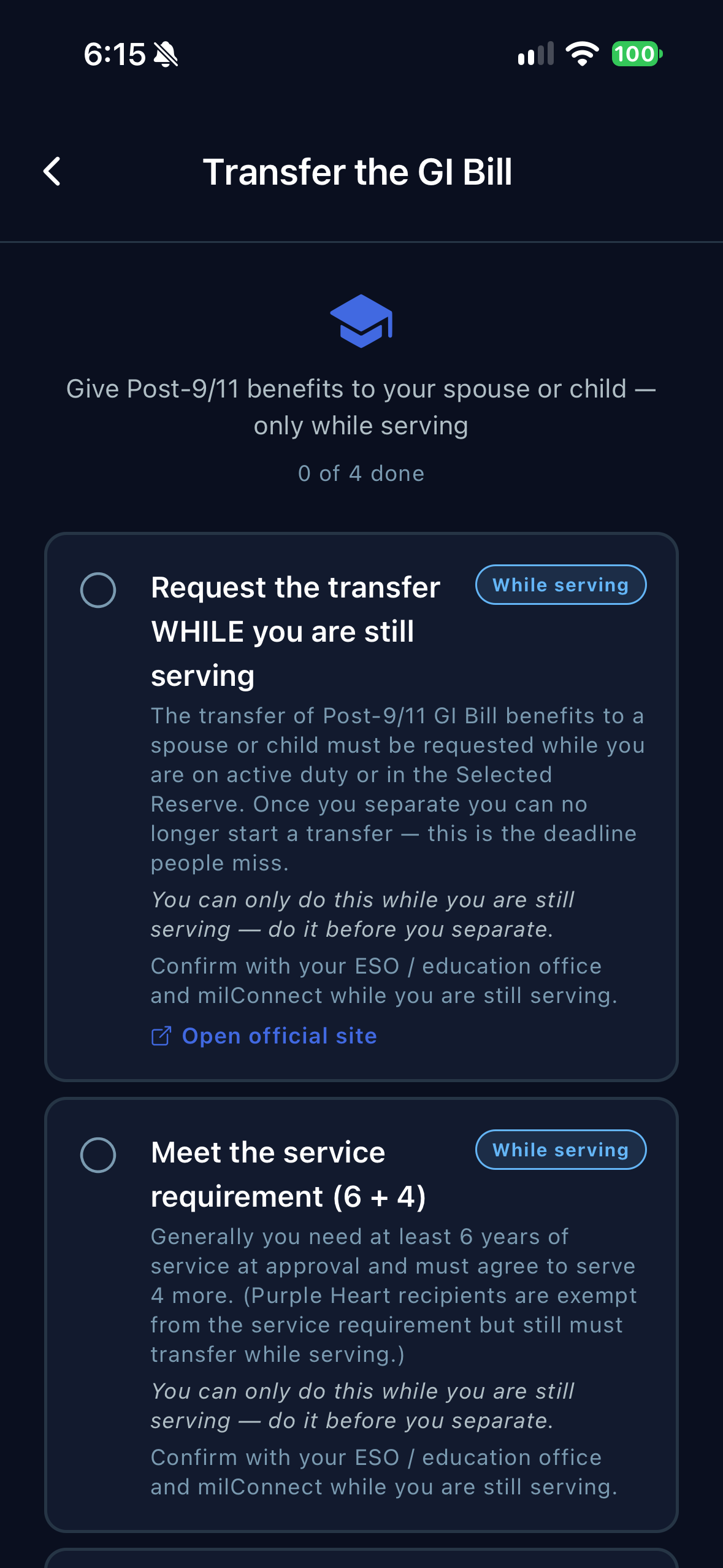
EVENTUALLY.VET is the “I love me” file that lives on your phone instead of in a binder. It keeps your orders, medical records, evals, and deployment documents in one place you control, so the record is complete whether or not the official file is. Free on the App Store for iPhone. Android is coming soon, join the waitlist at EVENTUALLY.VET.
Where to go from here
- Defense Department help center on requesting military records: https://www.defense.gov/Contact/Help-Center/Article/article/2742452/
- DPRIS overview in milConnect: https://milconnect.dmdc.osd.mil/milconnect/help/topics/dpris-overview.htm
- National Archives military personnel records: https://www.archives.gov/personnel-records-center/agencies/ompf-fed-agency
Your OMPF follows you from your first duty station to your last VA appointment. Check it now, fix what is wrong, and keep your own copy alongside it. The hour you spend this week can save you months later.
EVENTUALLY.VET is not affiliated with, endorsed by, or connected to the U.S. Department of Veterans Affairs, the Department of Defense, or any branch of the U.S. military.